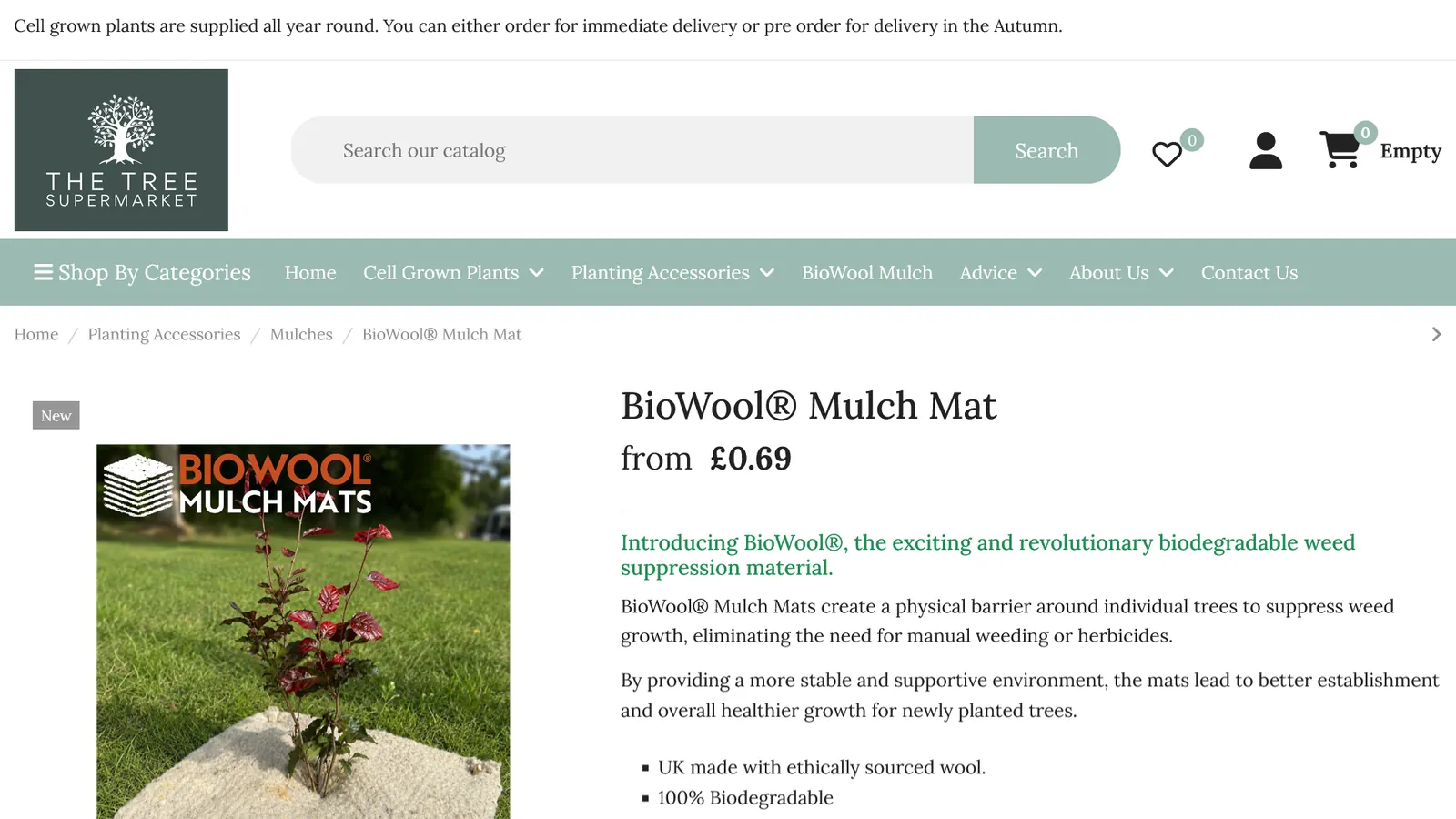
The Tree Supermarket sells tree shelters, planting accessories and cell grown trees online to smaller growers and landowners.
The challenge
The shop was running on an off-the-shelf template that only worked on an older release of PrestaShop. The vendor of that template offered no upgrade path - their replacement was a different theme altogether.
The brief was clear: get the shop onto a supported theme, and keep its own look and identity.
What we did
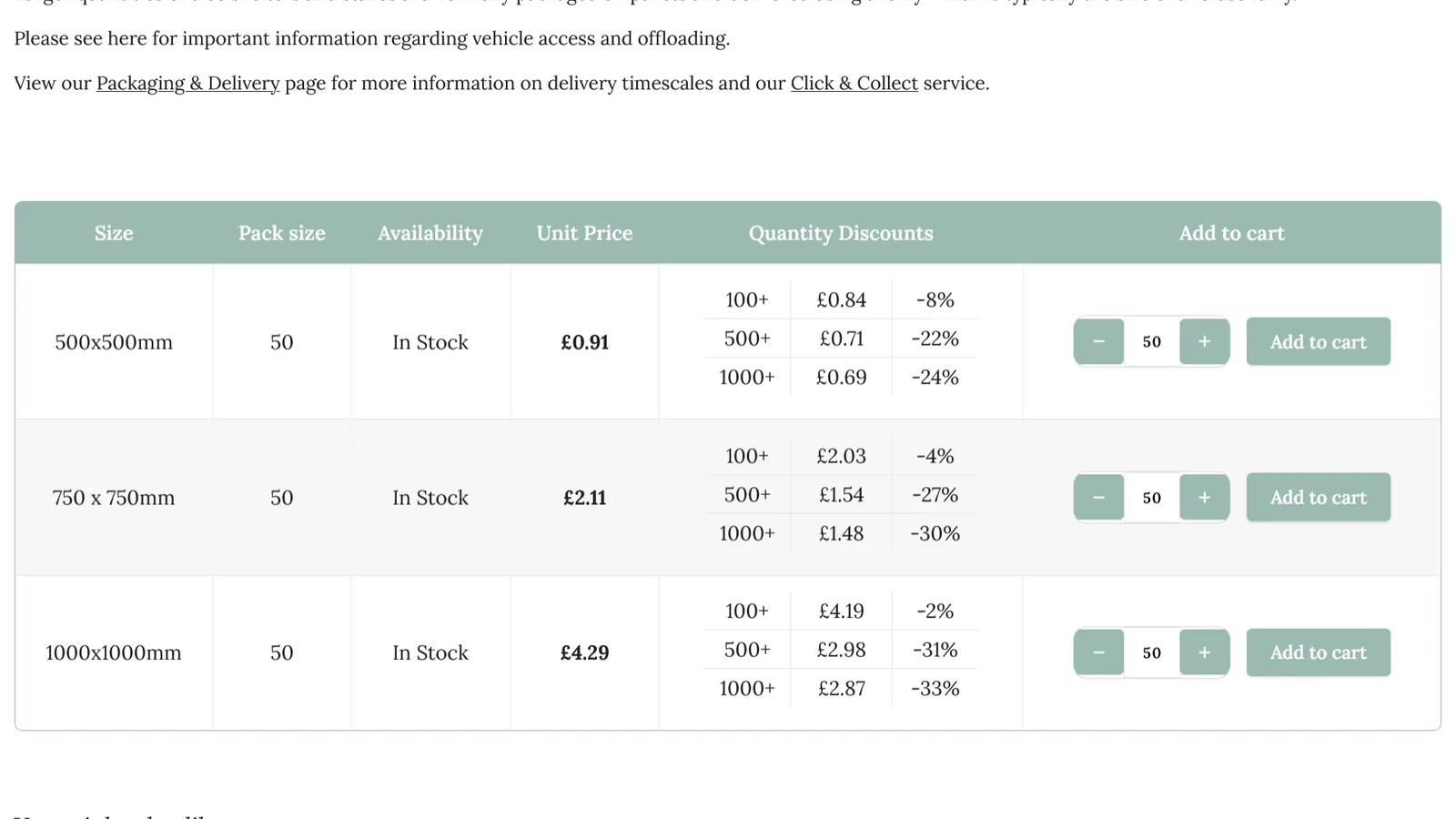
- Rebuilt the storefront on the Warehouse theme as its own child theme, recreating the existing design - header, category menu, homepage slider, product listings, price tables and footer - so regular customers saw a familiar shop, not a redesign.
- Kept every customisation in that child theme, apart from the parent theme, so future theme updates apply without overwriting any of it.
- Recovered page content that had been locked inside an old page builder module and moved it into a supported editor.
- Removed the legacy template modules and unused page builders, leaving a leaner install.
- Went live on a Sunday morning in under 90 minutes, with database snapshots taken first.
- Added branded PDF invoices with the shop's own prefix, generated automatically when payment is accepted.
- Upgraded the shop to the current release of PrestaShop less than three weeks later - a full dry run on a staging copy in the morning, the live upgrade the same afternoon, and the shop trading again that day.
- Routine housekeeping along the way - a PHP upgrade, a Cloudflare review, and a rebuilt search index so every product can be found.
The result
The Tree Supermarket now runs on a current, supported release of PrestaShop with a theme that will keep receiving updates. It looks like the shop customers already knew, and loads cleanly on mobile.
Common questions
Does moving to a new theme mean a redesign?
No. The existing design was recreated on the new theme, so regular customers saw the shop they already knew.
Will customisations survive future theme updates?
Yes. Every customisation lives in a child theme, apart from the parent theme, so updates apply without overwriting any of it.
How long was the shop unavailable?
The move went live on a Sunday morning in under 90 minutes. The later platform upgrade was rehearsed on a staging copy in the morning and run live the same afternoon.
Can PrestaShop be upgraded soon after a theme move?
Yes. Once the shop was on a supported theme, the upgrade to the current release followed less than three weeks later.
If your shop is tied to a theme that can no longer be upgraded, a PrestaShop upgrade does not have to mean a redesign. A free audit will tell you what it would take.