The cart sits between deciding to buy and paying, and it does two jobs at once. It is your last opportunity to increase the size of the order, and it is the first place a customer stops and reconsiders. Most shops run whatever cart their theme provided, which is designed to do neither job particularly well.
Design considerations for your cart
Every business and industry is different, and these are the questions we work through with you. Which ones matter depends entirely on what you sell and who to.
- Related products and cross-sells. The cart is a natural place to offer the consumable, accessory or fixing that goes with what is already in it, provided the suggestions are genuinely relevant rather than whatever WooCommerce picked.
- How tax is displayed. Inclusive, exclusive, or both. Trade customers usually want to see prices excluding VAT; retail customers want the number they will actually pay. Shops selling to both need the cart to know the difference.
- Changing quantities and removing items. This should take one obvious click. A cart that makes it awkward to remove something does not save the sale: it loses the whole basket.
- Delivery cost, shown here. The cart is the right place for a customer to find out what postage will be. Leaving it until the payment step is the most common reason people abandon.
- Free delivery thresholds. A clear "spend another £12 for free delivery" prompt is one of the few genuinely effective ways to increase order value, and one of the most commonly missing.
- Coupon codes. If you run promotions, applying a code should be simple. If you do not, the empty coupon box is an invitation to leave and go looking for one.
- Reassurance. Returns policy, delivery timescales, security and a way to contact a human, placed where hesitation actually happens.
- Whether you need a separate cart page at all. Some shops are better served by a slide-out basket that goes straight to checkout. Others, particularly trade shops with large or complex orders, need a proper cart page the customer can review and edit. This is worth deciding deliberately.
Carts for trade orders
Business customers use a cart differently. Orders are larger and more complicated, quantities are worked out rather than chosen, and the person building the basket is often not the person who will approve it. Saved baskets, reordering from a previous order, quantity-break pricing that updates as the cart grows, and the ability to send a basket as a quotation all make a real difference to how much a trade customer buys and how often.
Work like this
Recent WooCommerce projects.

Immediate Care Medical
Course bookings, recruitment and compliance on one WordPress site
A Birmingham private ambulance, event medical cover and training provider whose WordPress site sells course seats, runs clinical recruitment and tracks which staff have read which policy. We have supported and developed it since 2021.
MiniVet Guide
One brand, multiple markets, automated fulfilment
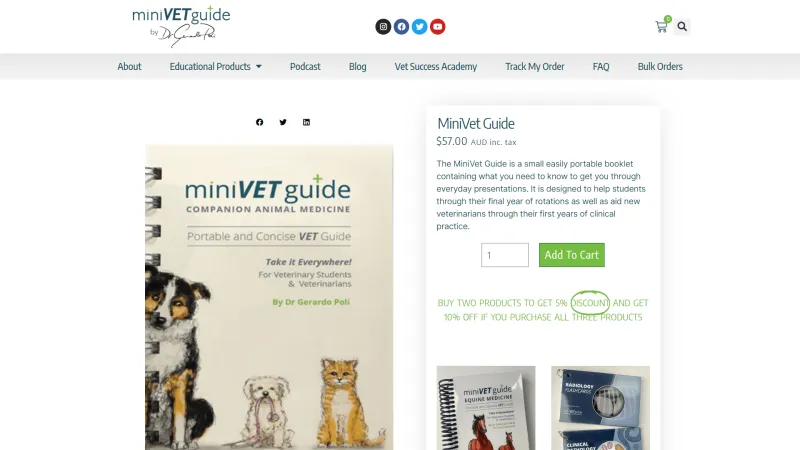
A veterinary publisher's stores across several markets, supported since 2018 with fulfilment, routing, course provisioning and worldwide shipping.
Manchester Craft Blanks
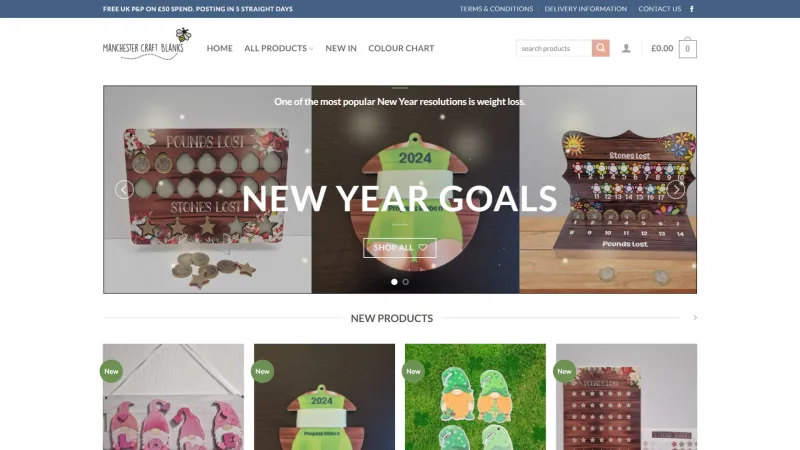
A high-volume WooCommerce shop kept stable, fast and dependable since 2019
A craft supplier selling blanks for personalisation, with a large catalogue and a busy order flow. We have handled the hosting, the rebuilds and the accounting integration since 2019.
Common questions
Do we need a separate cart page, or is a slide-out basket enough?
It depends on the order. Simple retail orders often do better with a slide-out basket that goes straight to checkout. Large or complicated orders, trade ones especially, need a proper cart page the customer can review and edit. We look at your orders before recommending either.
Can the cart show different prices and tax to trade and retail customers?
Yes. Logged-in trade customers can see prices excluding VAT and their own quantity breaks, while everyone else sees the retail price they will pay. Both run from the same shop.
Should the delivery cost be shown in the cart?
Yes, wherever it can be worked out. A delivery charge that first appears at the payment step is the most common reason people abandon, so the cart is the place for it.
Will changing the cart break the checkout?
It should not. Cart changes are built and tested on a private copy of your shop, with real test orders placed through to payment, before anything goes live.
Will the changes survive WooCommerce updates?
Yes, if they are built properly: through a child theme and the hooks WooCommerce provides, not by editing core or plugin files. That is the only way we build.
Tell us what you sell and who you sell it to, and we will adapt your cart to suit. Get in touch, or read about product page design, which comes before this, and checkout design, which comes after.
Add AI to your store
Product content, recommendations, support chat and pricing intelligence, on the platform you already run.